
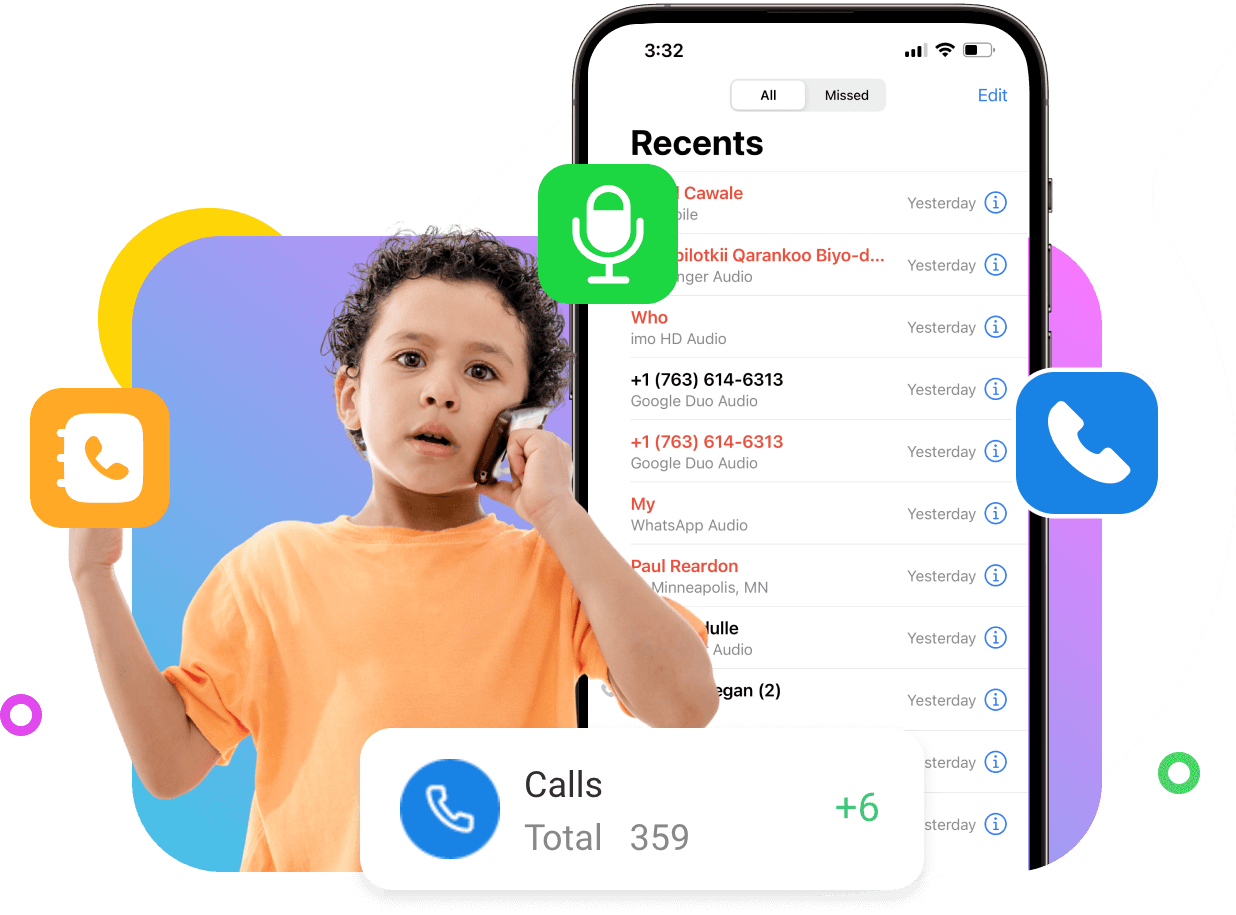
Call tracking apps have become essential tools for parents, businesses, and even individuals who want better control over phone activity. Whether your goal is to monitor your employee or child’s communication, or simply keep records of calls and messages, you don’t need to spend a fortune.
The good news? There are several powerful call tracking apps under $10/month (or even cheaper yearly plans) that offer impressive features like call logs, SMS monitoring, location tracking, and alerts.
In this in-depth guide, we’ll explore:
- What is a call tracking app
- The best call tracking apps under $10
- Pros, cons, and real-world use cases
- Key features to look for
- How to choose the right one
What is a Call Tracking App?
A call tracker is a tool or software that monitors and records phone call activity on a device. It helps users see details like incoming and outgoing calls, call duration, timestamps, and contact information. Some advanced call trackers offer features such as call recording, real-time alerts, and analytics.
Call tracking is commonly used for different purposes. Parents use it to keep an eye on their children’s communication, ensuring their safety. Businesses use call trackers to monitor employee performance and improve customer service by analyzing call patterns. Individuals may use it for personal record-keeping or security reasons.
Modern call tracking apps often come with extra features like SMS tracking, GPS location chat monitoring, and activity reports, making them more powerful. However, it’s important to use call trackers legally and ethically, ensuring proper consent is taken when required.
Best Budget-Friendly Call Tracking Apps Under $10
Finding a reliable call tracking app on a budget is easier than ever in 2026. While many premium tools charge high monthly fees, several affordable apps now offer essential features like call logs, SMS monitoring, and location tracking for under $10. These budget-friendly solutions are perfect for parents and small businesses who want basic monitoring without overspending.
We’ll explore the best low-cost call tracking apps, compare their features, and help you choose the right one that delivers maximum value at minimal cost.
TheOneSpy
Price: Budget-friendly plans available
When it comes to powerful call tracking with advanced monitoring features, TheOneSpy stands out as a strong option for users who want more than just basic parental controls. Unlike simple tracking apps, it provides detailed insights into calls, messages, and overall device activity, making it suitable for both parents and employers. Despite offering premium-level tools, its pricing can be optimized through deals and packages to stay within a reasonable budget range.
Key Features:
- Detailed call logs (incoming, outgoing, missed)
- SMS tracking with full message access
- Call recording capabilities
- GPS location tracking & history
- Social media and app monitoring
Premium plans $7/month with multiple features included.
Pros:
- Advanced monitoring features
- Real-time tracking dashboard
- Multi-purpose use (parental + employee monitoring)
Cons:
- Requires installation on the target device
FonSee
Price: Low-cost plans available
FonSee is designed for users who want a simple, lightweight, and budget-friendly call tracking app without complicated setup. It focuses on delivering essential tracking features like call logs and SMS monitoring while keeping the interface easy to use. This makes it a great choice for beginners or parents who prefer a straightforward monitoring experience.
Key Features:
- Call history tracking
- SMS monitoring
- Contact details access
- Basic location tracking
- Easy-to-use dashboard
Premium plan $8/month with multiple features included.
Pros:
- Beginner-friendly interface
- Affordable pricing
- Quick setup
Cons:
- No deep analytics or AI alerts
OgyMogy
Price: Budget-friendly yearly plans
OgyMogy offers a balanced mix of affordability and functionality, making it suitable for users who want more control than basic apps but without high costs. It includes essential call and SMS tracking along with some smart monitoring features, making it ideal for both families and small businesses.
Key Features:
- Call logs and SMS tracking
- Screen monitoring
- App usage tracking
- Location tracking
- Web activity monitoring
The premium plan is $7.5/month with multiple features included.
Pros:
- Good balance of price and features
- Supports multiple monitoring needs
- Useful for both parents and employers
Cons:
- The interface may feel outdated
- Some features depend on device compatibility
SecureKin Parental Control
Price: Affordable plans under budget range
SecureKin is a lightweight parental control app focused on safety and ease of use. It’s ideal for parents who want basic call monitoring and location tracking without diving into complex or invasive features. Its affordability and simplicity make it a good entry-level option.
Key Features:
- Basic call activity tracking
- GPS location tracking
- App usage insights
- Screen time management
- Safe browsing controls
Pros:
- Very easy to use
- Budget-friendly pricing
- Great for beginners
Cons:
- Limited tracking features
- Not suitable for advanced monitoring needs
Kaspersky Safe Kids – Best Overall Value
One of the cheapest and most reliable apps, this tool is ideal for parents who want basic monitoring without overspending.
Key Features:
- Call activity insights (limited)
- Location tracking & alerts
- Website filtering
- Screen time control
- App usage monitoring
The premium version costs only about $15 year, making it one of the most affordable parental control tools available.
Pros:
- Extremely low cost
- Works on Android, iOS, PC
- Unlimited device support
Cons:
- Limited SMS and call tracking depth
- More focused on parental control than spying
Boomerang Parental Control
If your main goal is call logs + SMS tracking, this app is one of the best budget options.
Key Features:
- Full call history tracking
- SMS monitoring with keyword alerts
- Block unknown numbers
- Location tracking & geofencing
It offers strong call and SMS monitoring, including alerts for inappropriate messages.
Pros:
- Strong messaging control
- Affordable yearly plans
- Good Android performance
Cons:
- Limited iOS features
- Requires setup access
Mobicip
A well-rounded app that combines monitoring + safety features.
Key Features:
- Activity tracking
- Screen time scheduling
- Location tracking
- Basic communication monitoring
Pros:
- Clean dashboard
- Multi-device support
- Strong filtering tools
Cons:
- Limited SMS tracking
- Not ideal for deep monitoring
What to Look for in a Budget Call Tracker
Before choosing any app, it’s important to focus on features that actually matter instead of just the price. A good budget call tracker should balance functionality, ease of use, and privacy.
Call Features
Make sure the app can reliably track incoming and outgoing call logs, including timestamps and contact details. apps allow you to read full text conversations, while others only provide alerts or summaries. Choose based on how much detail you actually need.
Compatibility
Not all tracking apps work equally well on every device. Check whether the app supports Android, iPhone, or both, and whether it offers cross-device syncing so you can monitor data easily from another phone or web dashboard.
Ease of Use
A complicated app defeats the purpose. Look for a tracker with a clean dashboard and a simple setup process, so you can quickly access call logs and messages without technical hassle.
Privacy & Ethics
Always consider whether the app follows legal and ethical guidelines. Some apps notify users about monitoring, while others don’t. Make sure you’re using the tool lawfully and responsibly.
Extra Features
Many budget apps include additional tools like GPS location tracking, app usage monitoring, and real-time alerts. These features can add extra value and give you a more complete view of device activity.
How to Choose the Right One
Choosing the right call tracker isn’t just about picking the cheapest option—it’s about finding a tool that actually fits your needs. Start by identifying your main goal: whether it’s child safety, employee monitoring, or basic call tracking. An app that solves your real problem (like tracking calls, SMS, or location) will be more useful than one with random extra features you won’t use.
Next, compare features carefully. A good tracker should offer call logs, SMS monitoring, and real-time activity tracking, along with useful extras like GPS and alerts. Many modern apps also provide reports and notifications for suspicious activity, helping you act quickly when needed.
Also, consider ease of use and compatibility. Choose an app with a simple dashboard, quick setup, and support for your device. So, you don’t face technical issues later. Cross-platform access is a big plus if you want to monitor from another device.
Finally, don’t ignore privacy and long-term value. Make sure the app follows legal guidelines, has a clear privacy policy, and offers reliable support. The best choice is one that balances affordability, essential features, and ethical use, so you can use it confidently over time.
Conclusion
You don’t need to spend $50/month to monitor calls and messages. In 2026, there are plenty of budget-friendly apps under $10 that deliver excellent value.
Whether you’re a parent, employer, or just someone who wants more control over phone activity, these tools provide a perfect balance between cost and functionality.